Step by Step Directions for MyAccount Registration
From VBT.com, click Log In or Sign Up
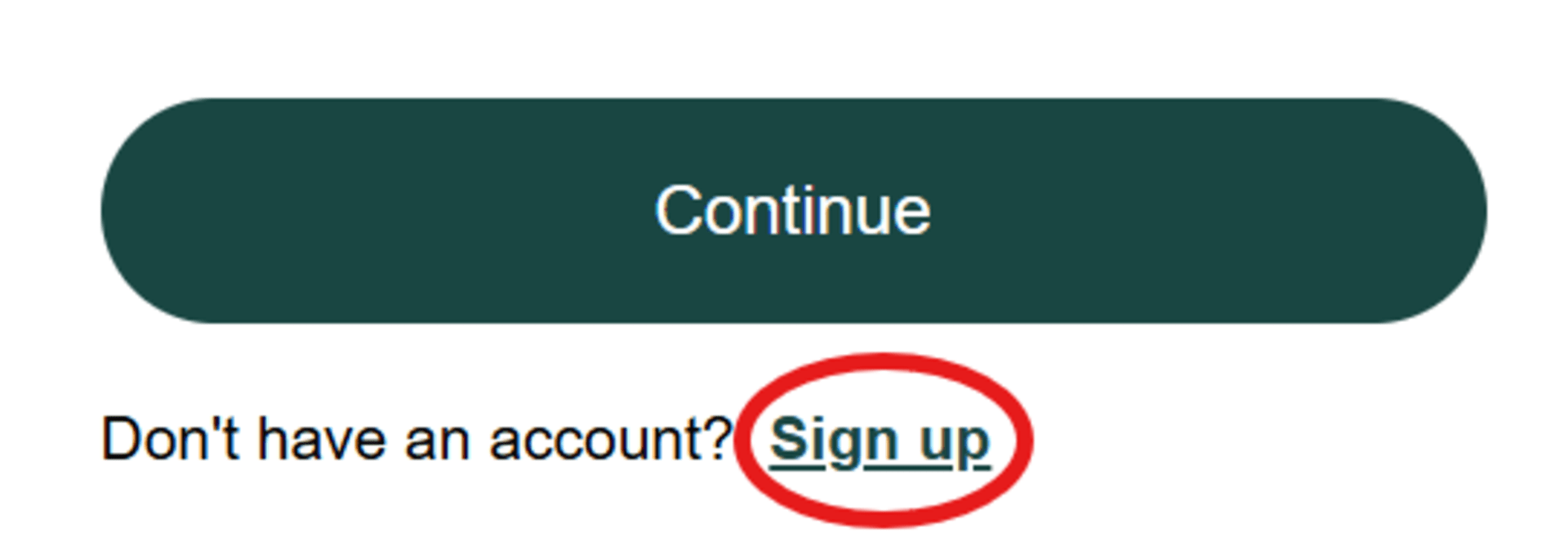
All travelers must make a new account using the email address they booked the trip with. Click Sign up to create a new MyAccount profile
Create a new MyAccount password for the email address you booked your trip with and click Continue
Verify your name to complete your new MyAccount profile and click Continue
You are now logged into the website. Click MyAccount at the top of the page, or in the website menu if on mobile
Click Create an Account to begin the Verification process for the email you entered
Click Send Verification Email after verifying your MyAccount email
You will receive a Verification Email immediately. In your email click Verify Your Account
You may now login to the MyAccount portal by clicking Login

Read our Terms of Use disclaimer and click the box at the bottom of the page before selecting Confirm
You have successfully logged into the MyAccount Portal and can now view any of your Future / Current Tours. After clicking on your tour, be sure to navigate each of the portal tabs including “My To-Do List, Invoices & Payments, Vacation Preparation, Flights, Final Travel Documents, and Send Feedback”
We hope these steps and pictures assist you in the registration process! Please let us know if you have any questions.